Setting up your Phorest API
The first thing you'll have to do is get your API key from Phorest.
You can contact them by sending an email to api-requests@phorest.com asking for API details and quoting your account number (more instructions here: Phorest API).
Please tell them you're looking to develop some specific functionality for your salon if they ask. You can then simply create an account and enter your details on the set up tab:
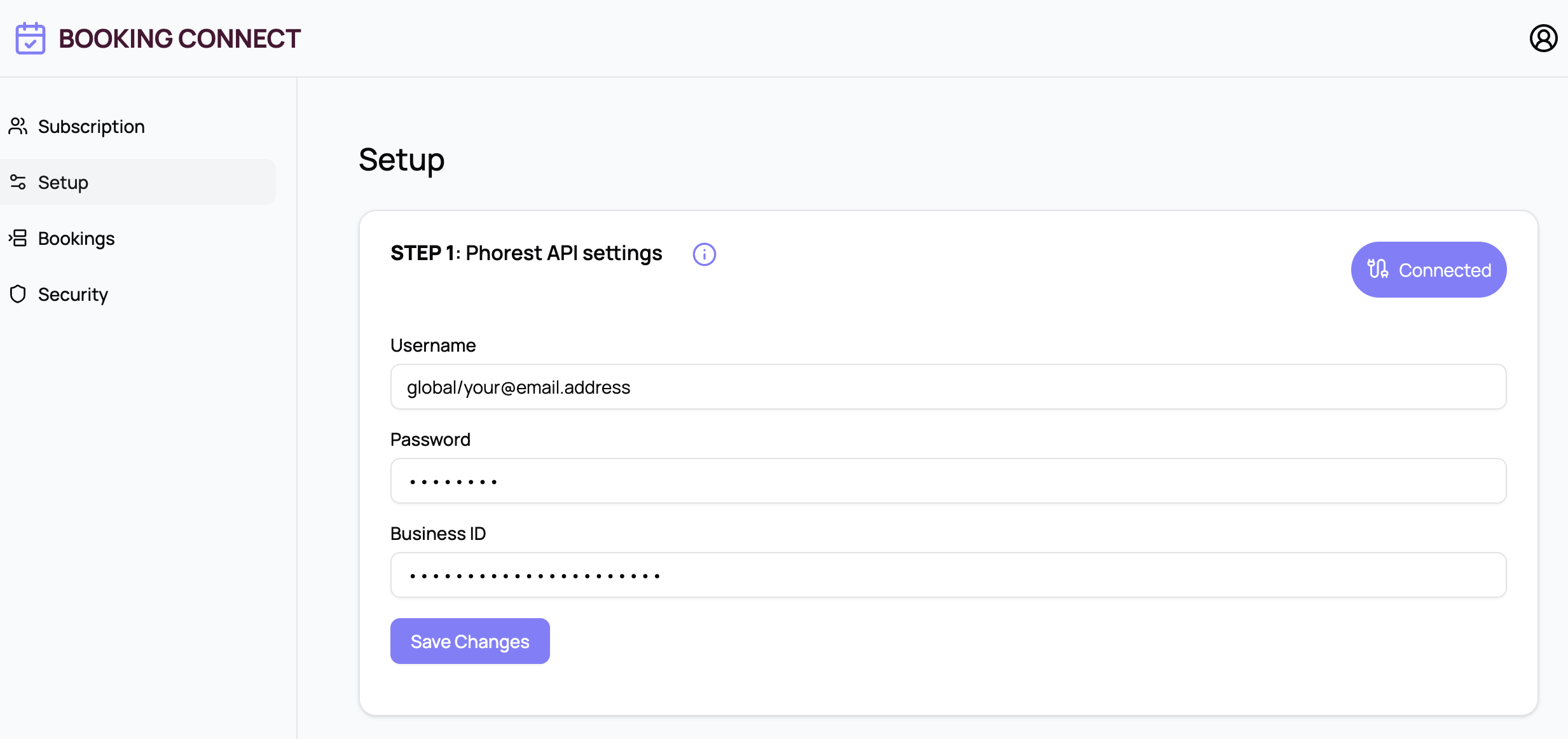
The user name is something like 'global/you@youremail.com'.
Your password will be something like 'a1b2c3d4ef' and you'll also need your business id which is similar but a bit longer.