Set up Treatwell booking emails
In order to put bookings from Treatwell into Phorest, you'll have to arrange for booking emails (which includes new bookings, reschedules, and cancellations) to be sent to Booking Connect.
First of all copy your personal email address from your set up page:

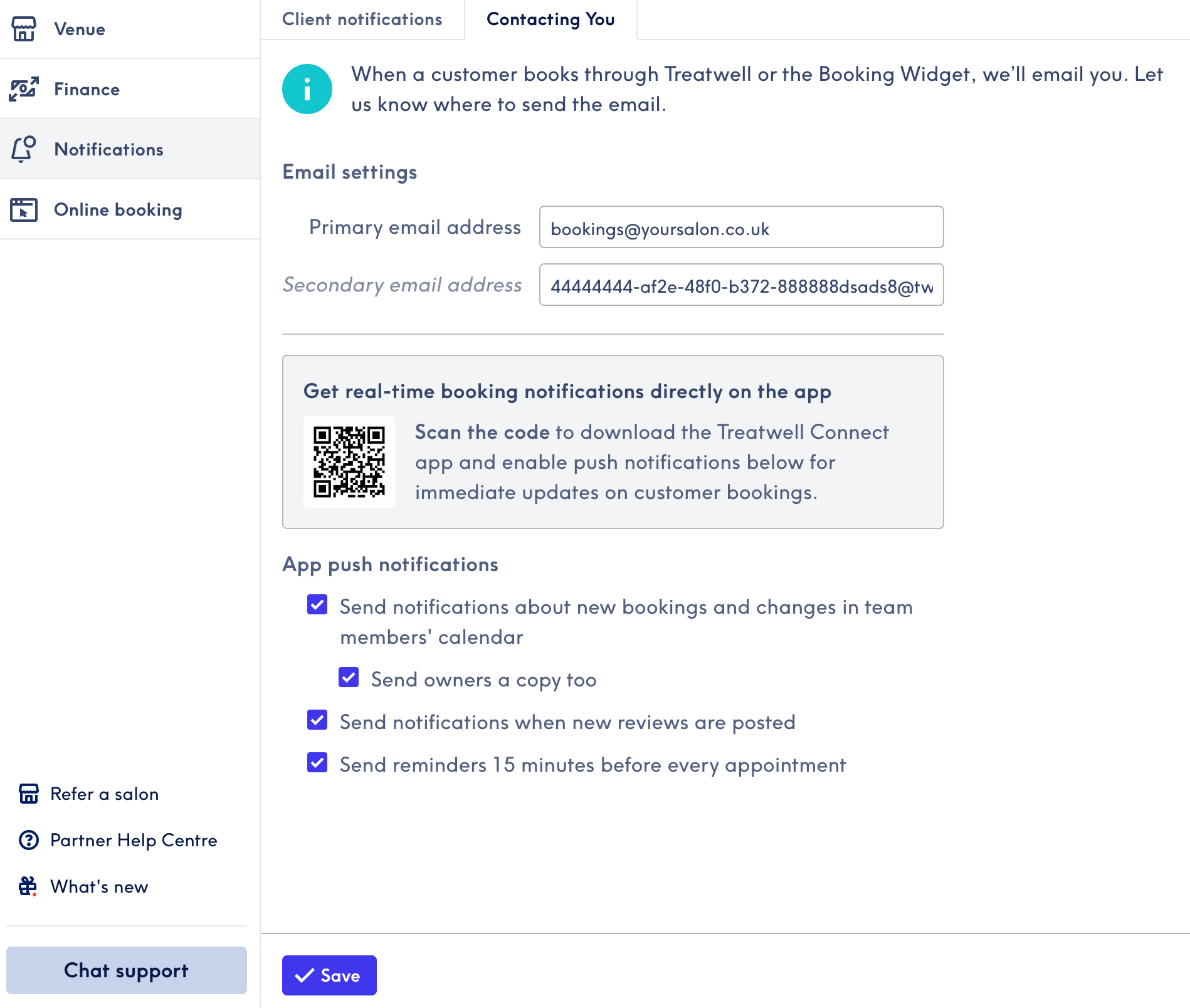
This email address can be entered into the 'contacting you' section of Settings > Notifications in Treatwell. You can still keep your primary email address to let your reception know: